
Ad Hoc Event Invoices
Edited
Ad hoc invoices allow you to add additional charges to any event signup post-registration.
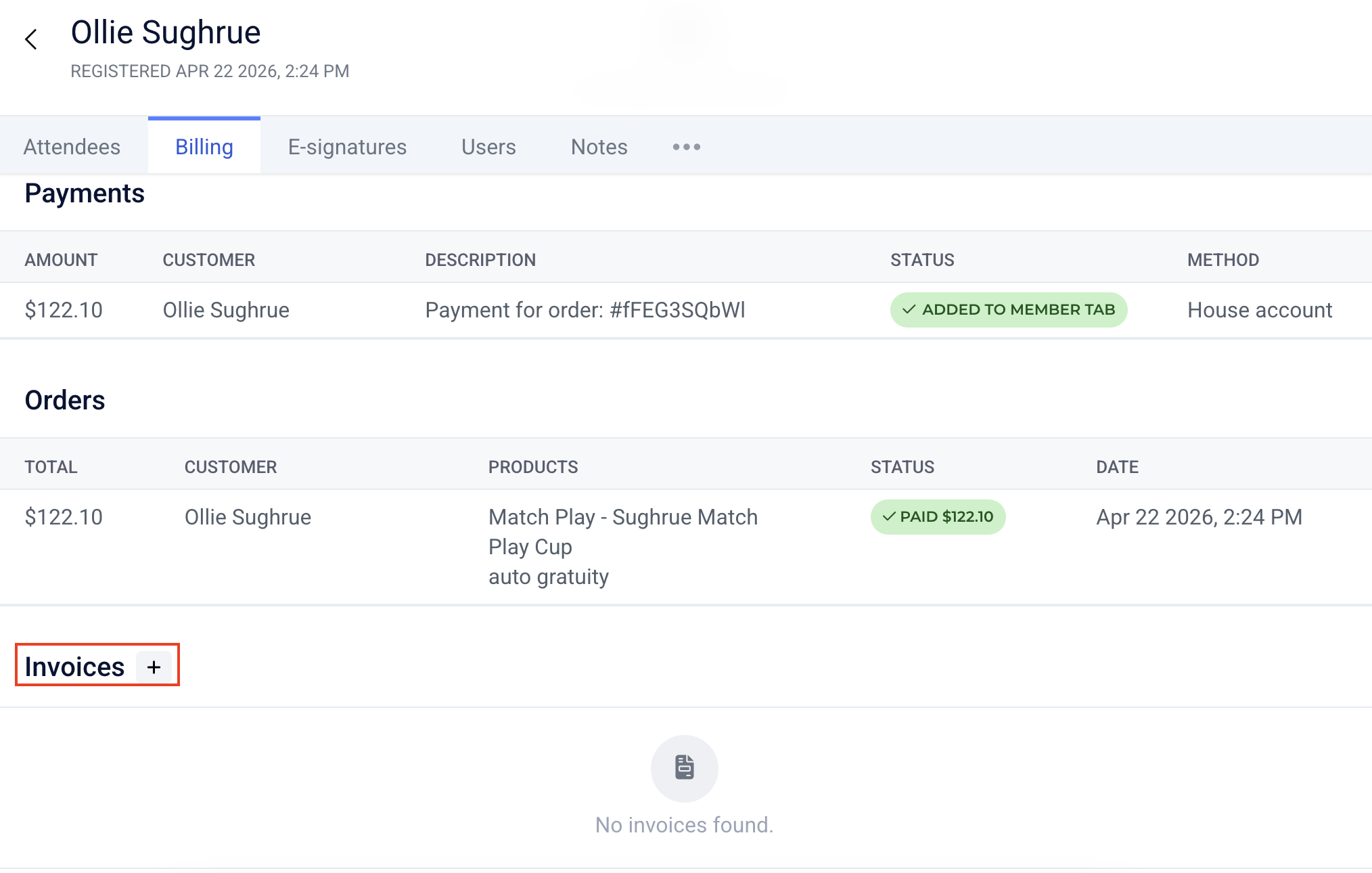
To create a new invoice, click into any registration, and navigate to the Billing tab at the top. Then scroll down and click “+new invoice” in the lower right corner of your screen. You can now search a product to invoice them for. Then enter the price that you want to charge them, and continue by clicking the blue Invoice button.
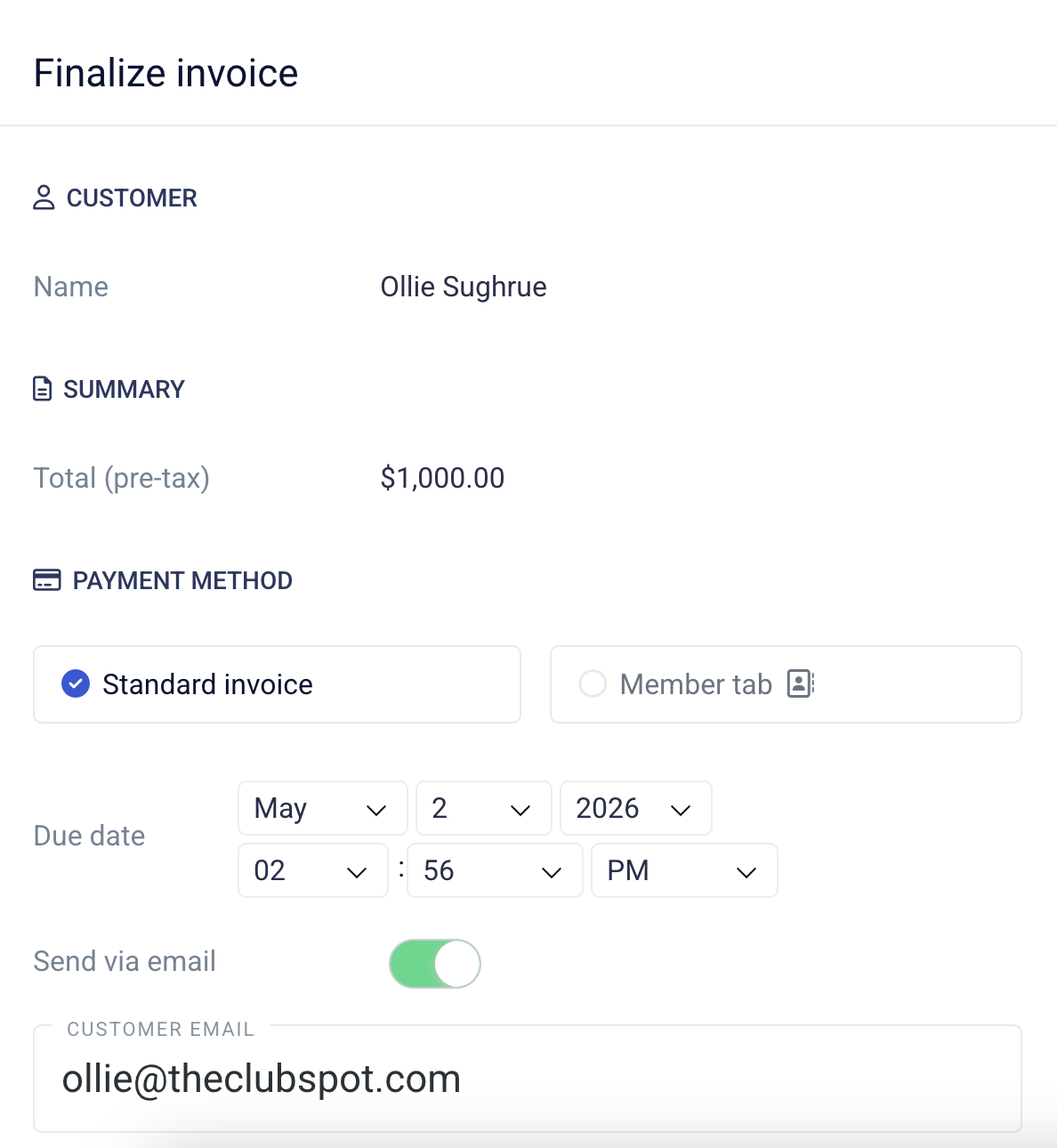
You can charge this as a Standard Invoice or add it to the Member's Tab:
Was this article helpful?
Sorry about that! Care to tell us more?