Issue a Refund for Registration
You can issue a refund for any registration processed through Clubspot. To do so, search and find the registration and navigate to the Billing tab at the top of the registration details page.
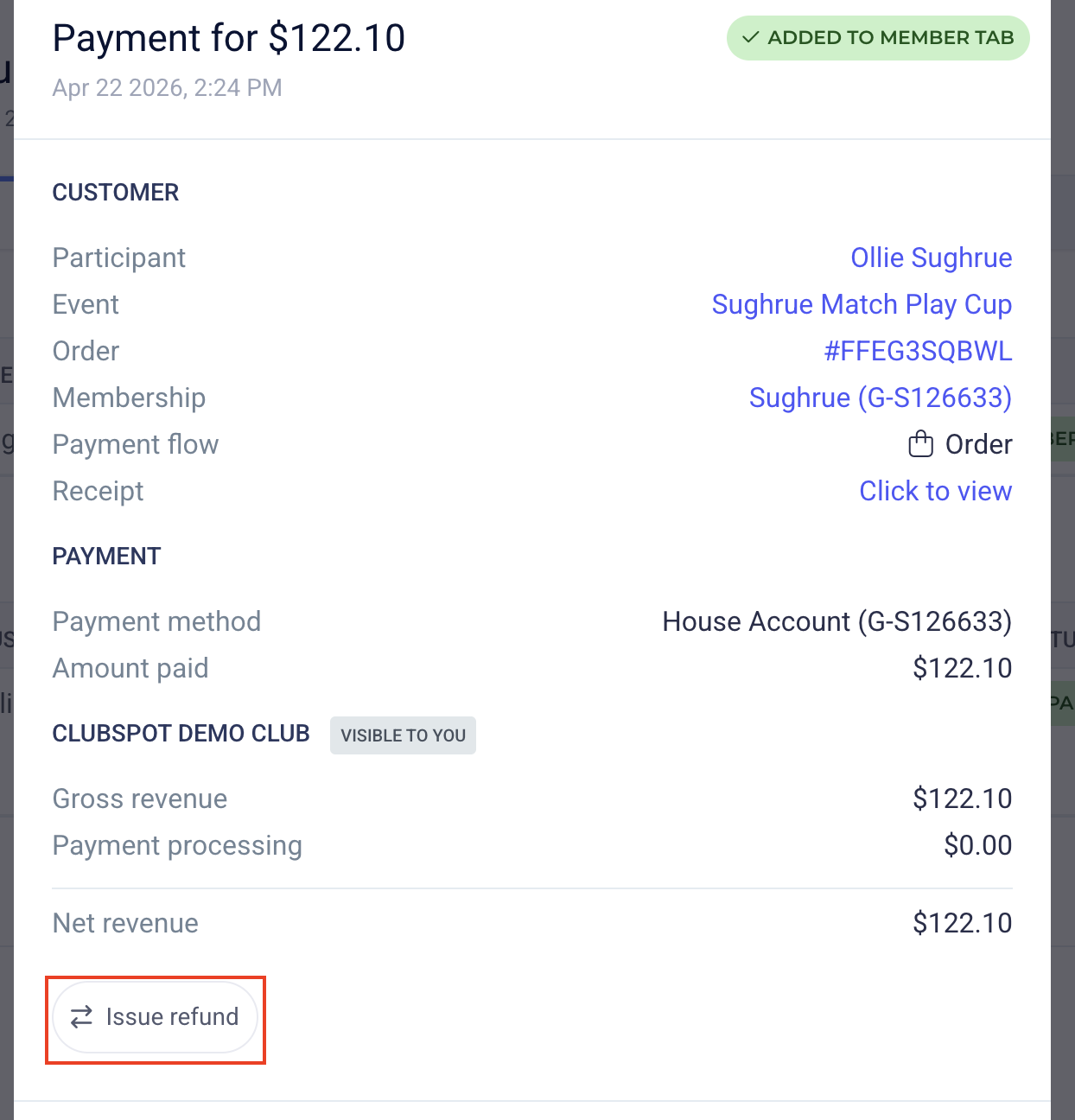
Here you will see the registrant’s order details, and any payments recorded. Click on the payment that you want to refund and then click the Issue Refund button in the payment details popup. You can choose to issue a full refund or a specific amount depending on the situation.
House Account Charges
If, like in the example above, the registrant paid via a House Account, then to refund the order, you would have to issue a reversal or refund directly from the member's account.
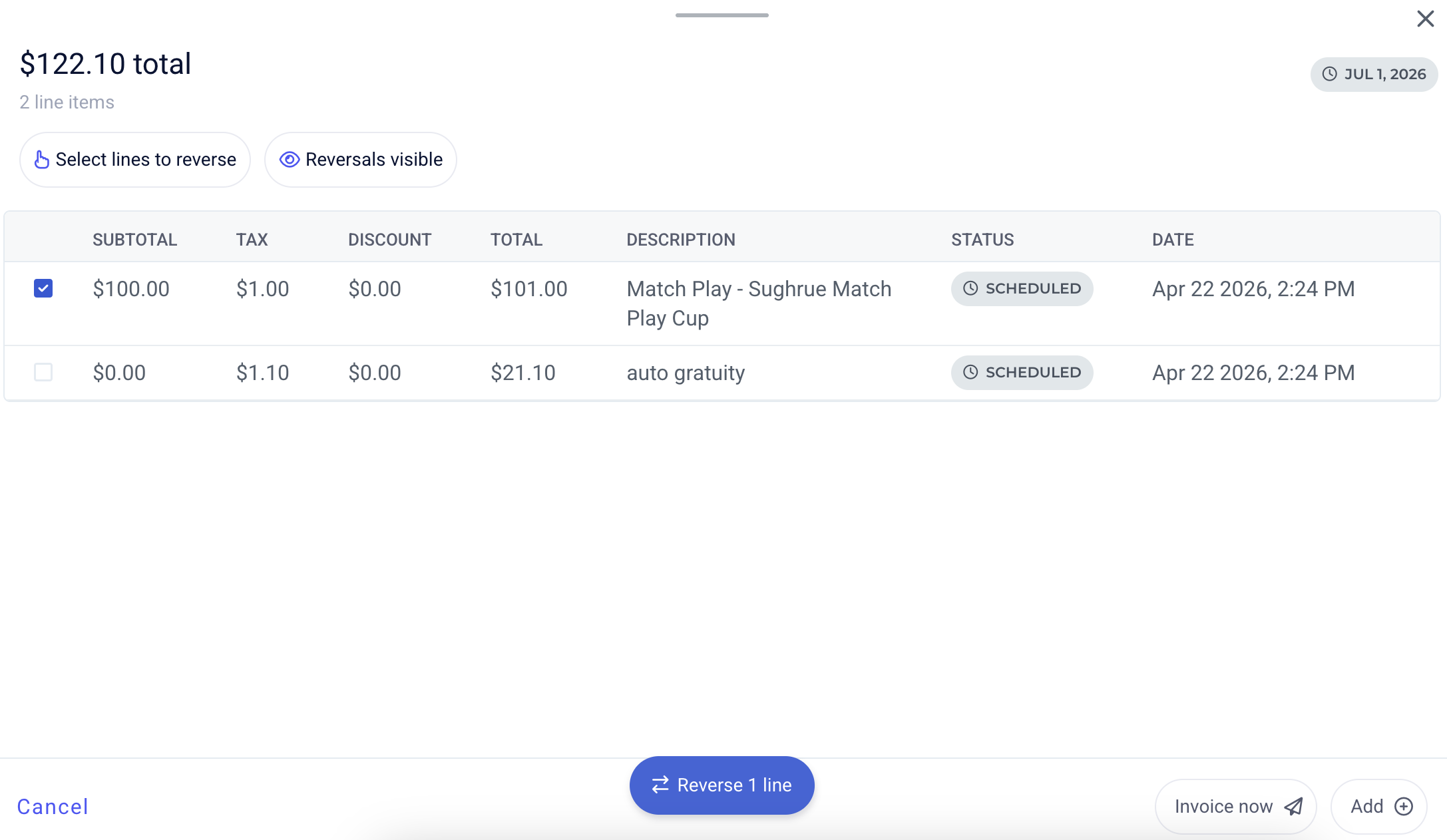
Just go to the Membership's billing tab, scroll down to the Member Tab under Billing Preview, and then select the line item you'd like to reverse the charge for: