Admin Notifications
Within Clubspot, you can configure email notifications so that you are alerted in response to several member actions.
Configure Notifications
Navigate to Account > Notifications and choose “+new notification” in the top right corner. Type the email and choose the event type that you want the notifications to be sent to. You can have the same email for multiple event types, or multiple of the same event types going to different email addresses.
The current list of actions that can trigger an email notification are as follows:
Donation
Camp Signup
Regatta Signup
Social Event RSVP
Booking/Reservation
Dining Reservation
Lodging Reservation
Tee Times
Event Inquiry
Online Order
Boat Document Upload
Membership Application
Membership Application - Invoice Paid
Membership Application - Sponsor Responded
Scheduled Memberships Created
Scheduled Location Summary
Form Submitted
Journal Entries
BEO - Invoice paid
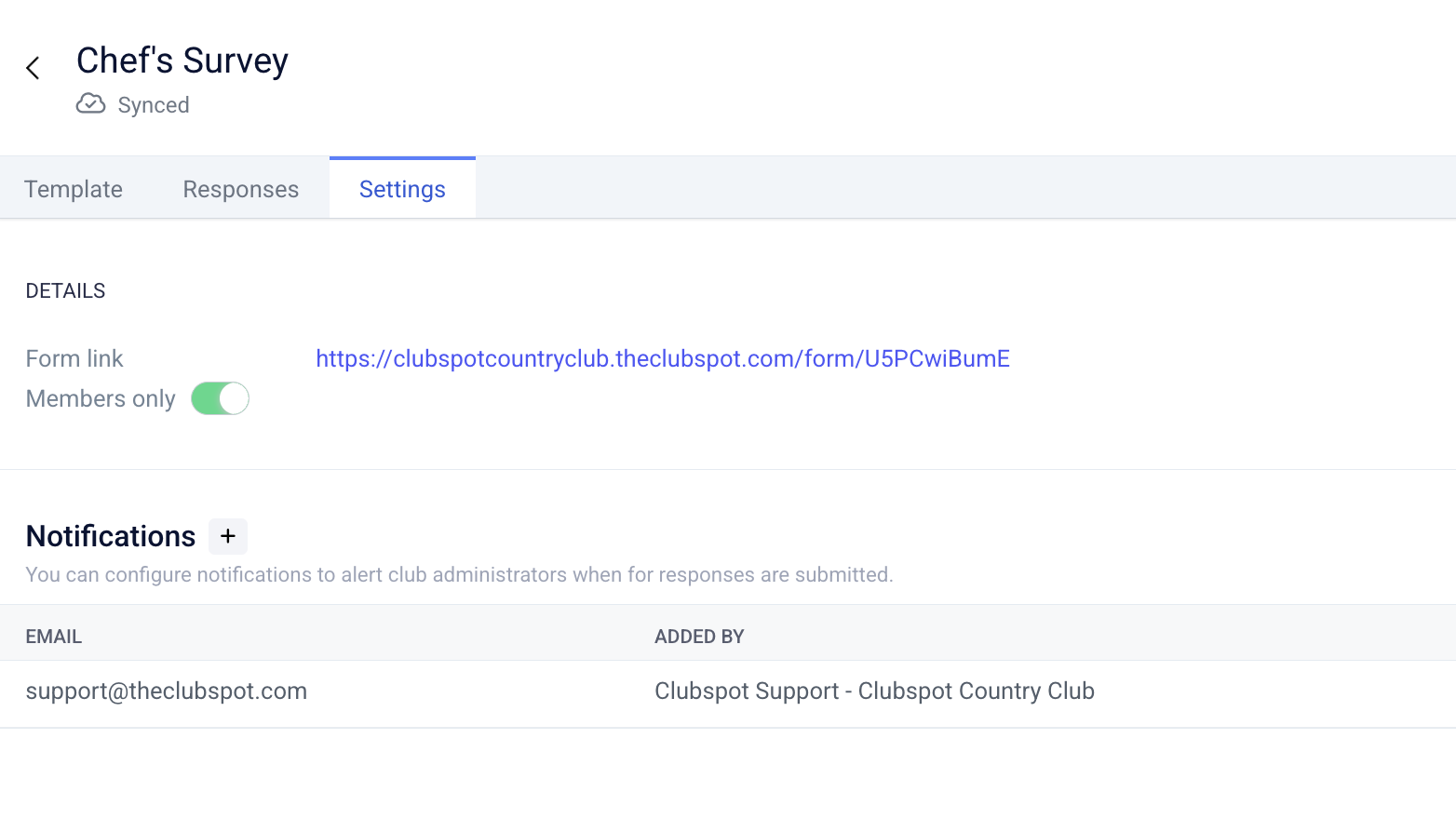
Form Notifications
Notifications can also be set up directly within individual custom forms. This allows you to receive notifications just for those forms that are applicable to a particular user. To configure those, click into the form in the Website > Forms section and then select “Settings” to configure that notification.