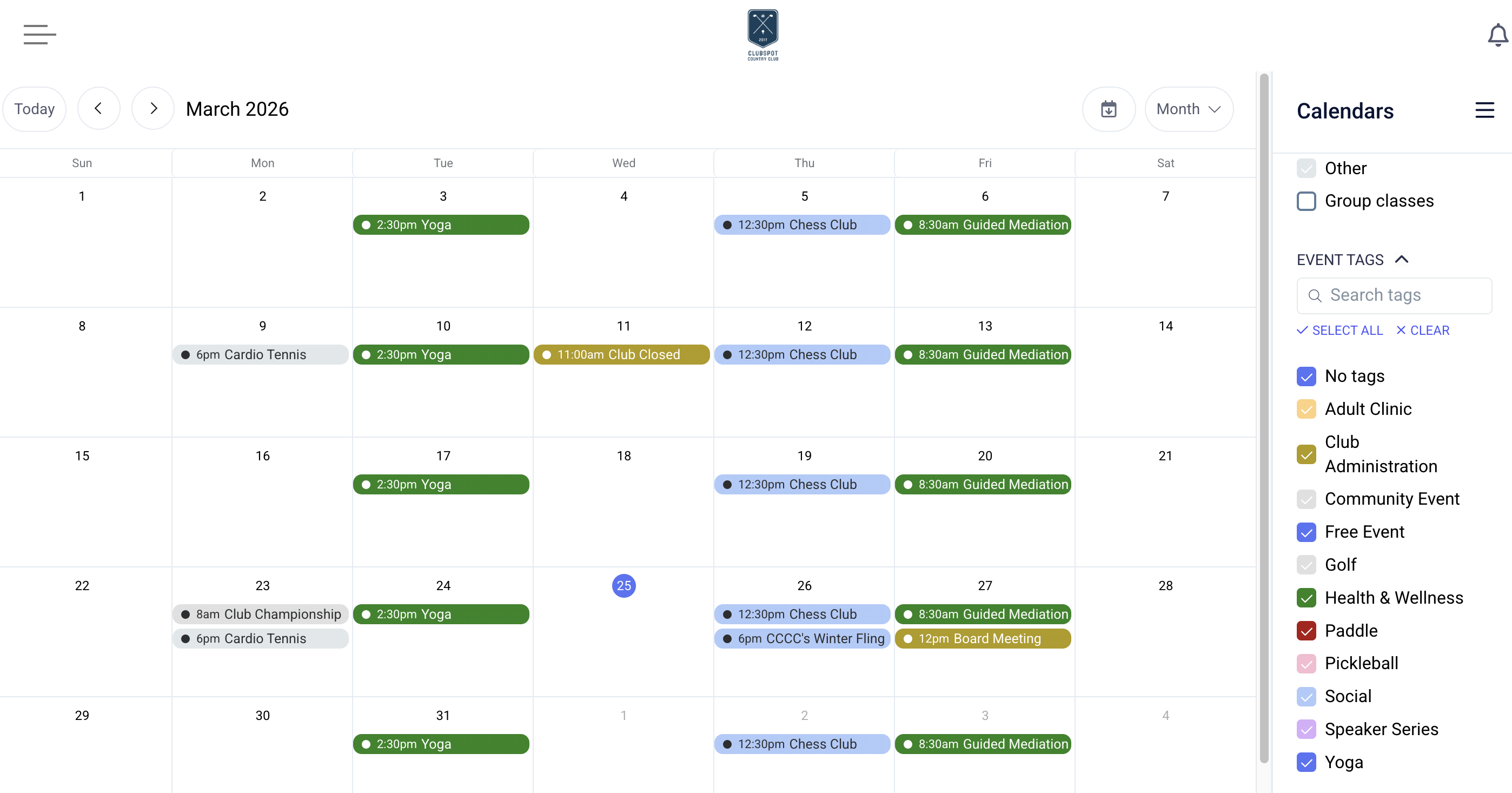
Event Tag
Event Tags allow you to color-code calendar entries for your club calendar and enable filtering by those tags.
Create Event Tags
Our calendar can be sorted by event tags to help members better view a busy club calendar. Event tags can be customized by name and color. To set up a new tag, go to Events > Event Tags in the dashboard and select the '+' button. You can optionally assign a color to the tag.
If you'd like to use the event tag for admin-facing purposes, you can set any event tag to 'internal only'. With this distinction, the tag will not appear as a filter option on member-facing calendars but will be visible from the admin dashboard.
Tag an Event
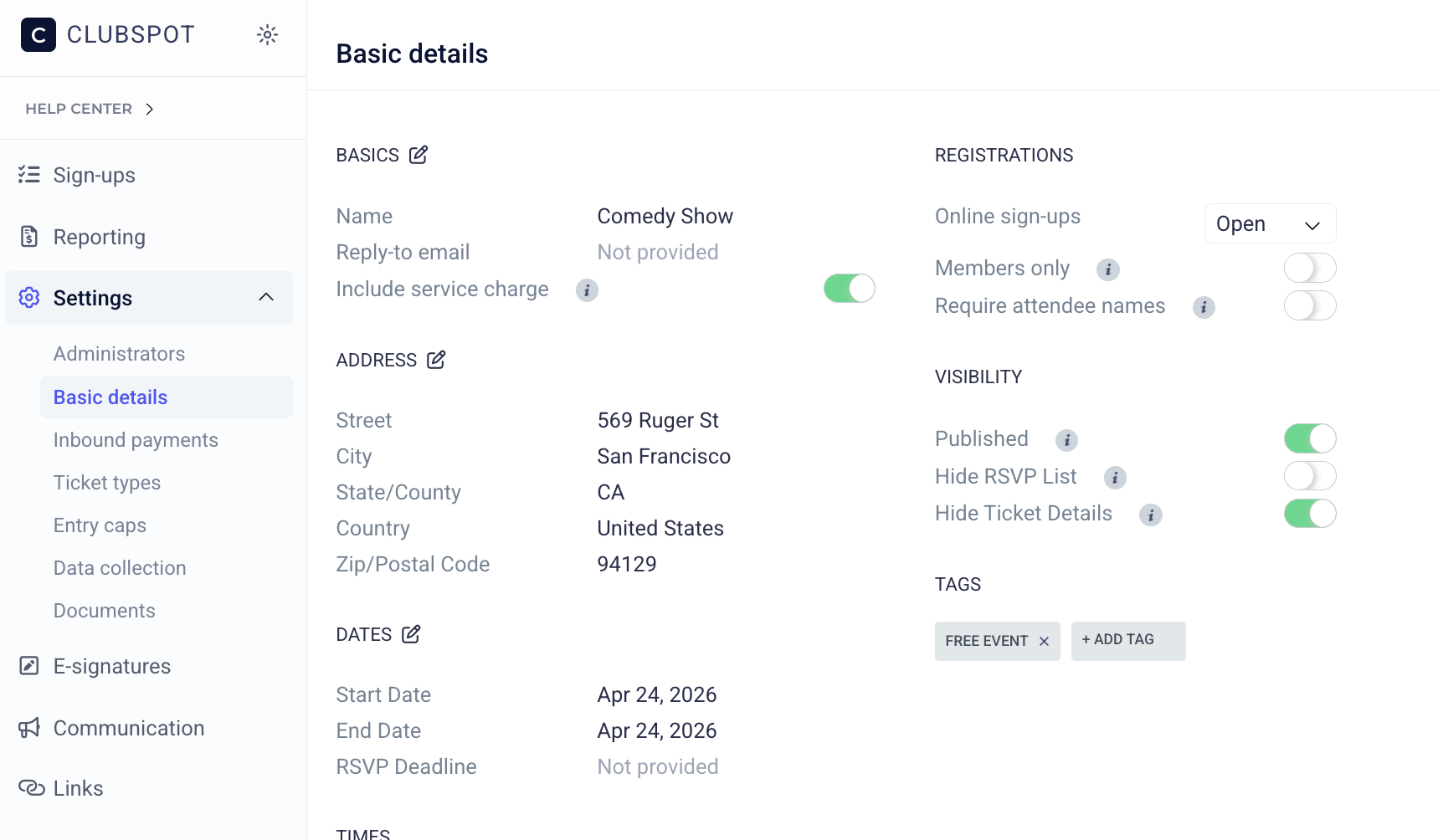
When creating a manual calendar event, you can add a tag, which will assign the color and enable the filtering functionality. These tags can be assigned to calendar-only events upon creation. For Social events, Camps, or Regattas, you can update the tag from the Basic Details section within the event:
Example of Event Tags on the Hosted Website
Like event types, event tags can be used as filters from the right-hand side of the calendar page. Select one or more tags to refine the calendar results to only the events with this tag associated: