SEO & Sitemap
Generate Sitemap
After building your club website, you can upload the sitemap to Google Search Console, etc.
To generate a sitemap for your website, simply navigate to the club website, add /cs-sitemap at the end of the URL, and hit enter!
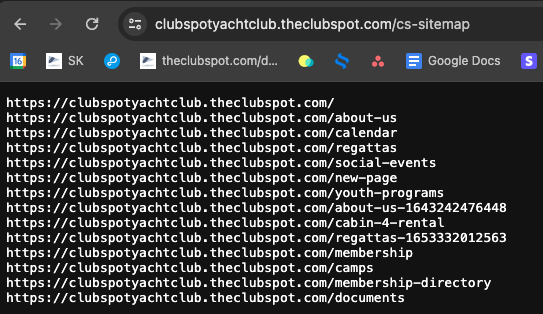
Clubspot automatically generates this sitemap based on the pages built in the web builder. A guide to managing web pages can be found here.
To learn more about Google Search Console, please refer to their “Get Started with Search Console” page.
Please note, some of our pages intentionally use "noindex" tags because we don't want google to index them (eg. order confirmation pages, online receipts, etc. that are specific to a single participant, member, order and not something Google needs to show in search results).
Google Tag
If you're using Google Tag Manager to enhance your SEO, Clubspot can embed your tag on your domain. Please email support@theclubspot.com with your Google account ID (looks like G-######) to set this up.
Meta Descriptions
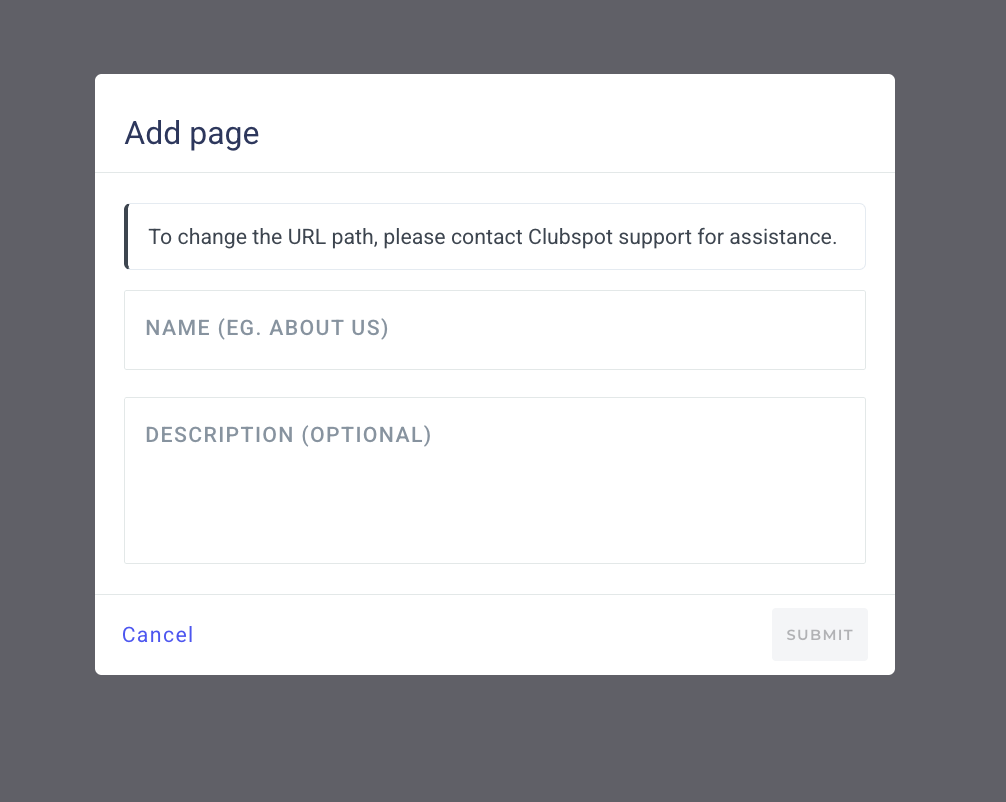
Clubspot can support meta descriptions to help a browser's search function find your club's webpages. As an admin, you have the ability to add a description when creating a new page. Filling in this description will be beneficial for SEO.