
Updating Boat Information
Edited
To update your boat information in the member portal, click into the sidebar, and go to boats.
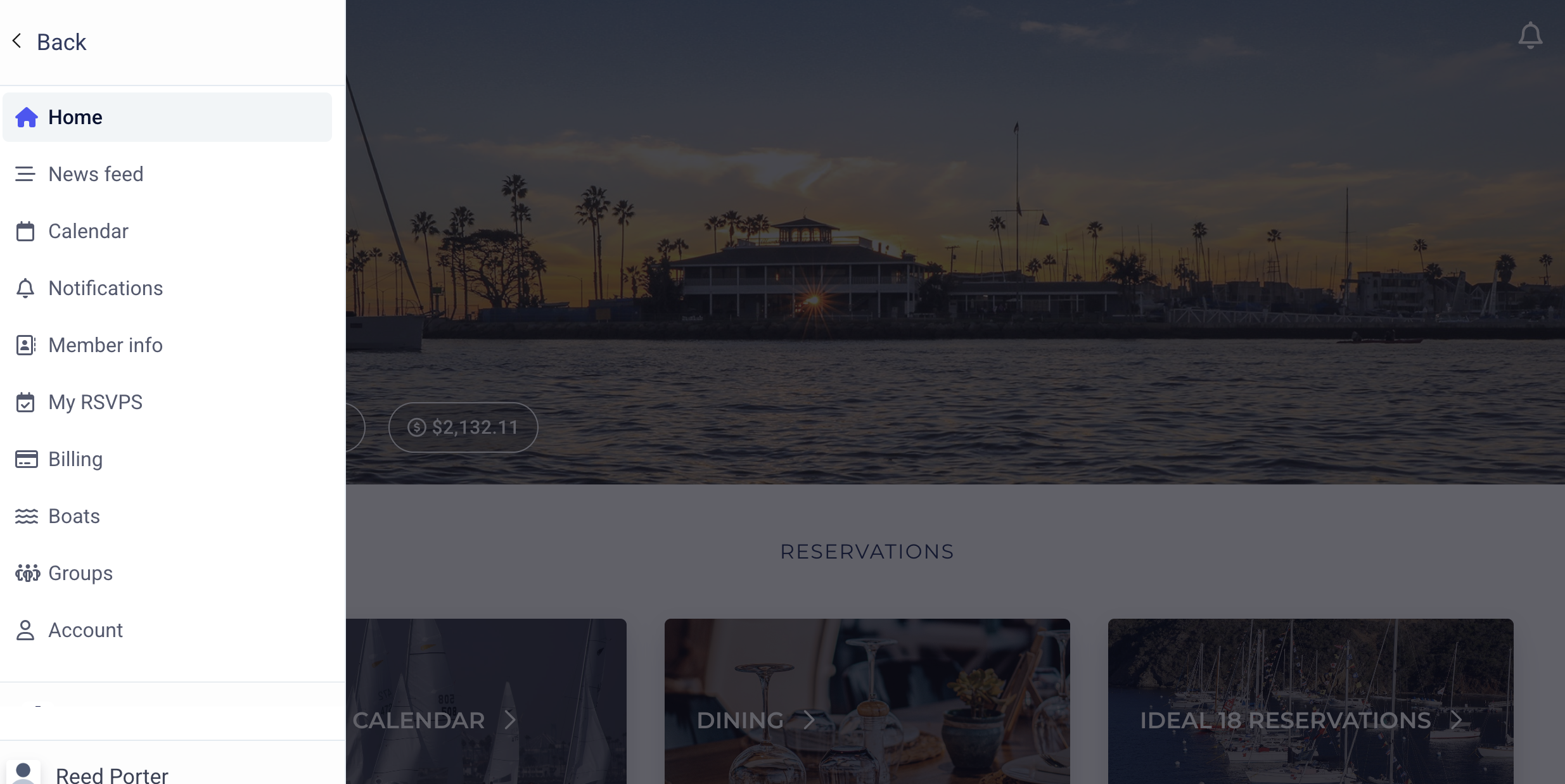
Next, click Boats.
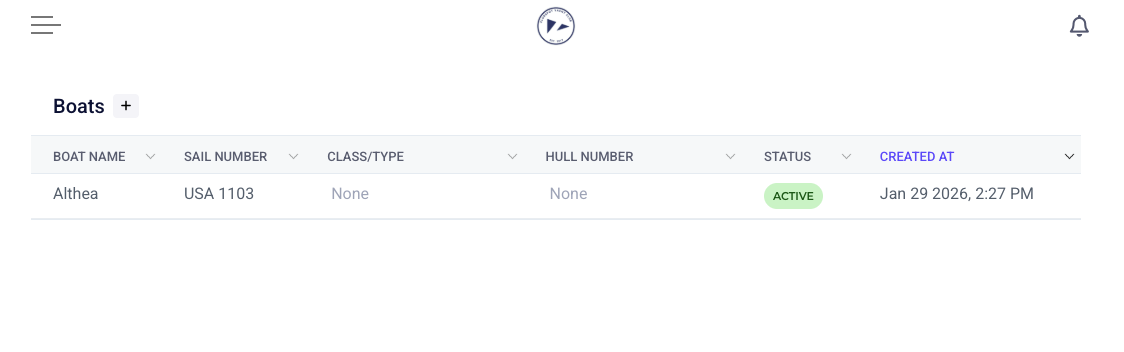
This will bring you to any boats that you have on your profile. You can add another boat by clicking the "+" symbol.
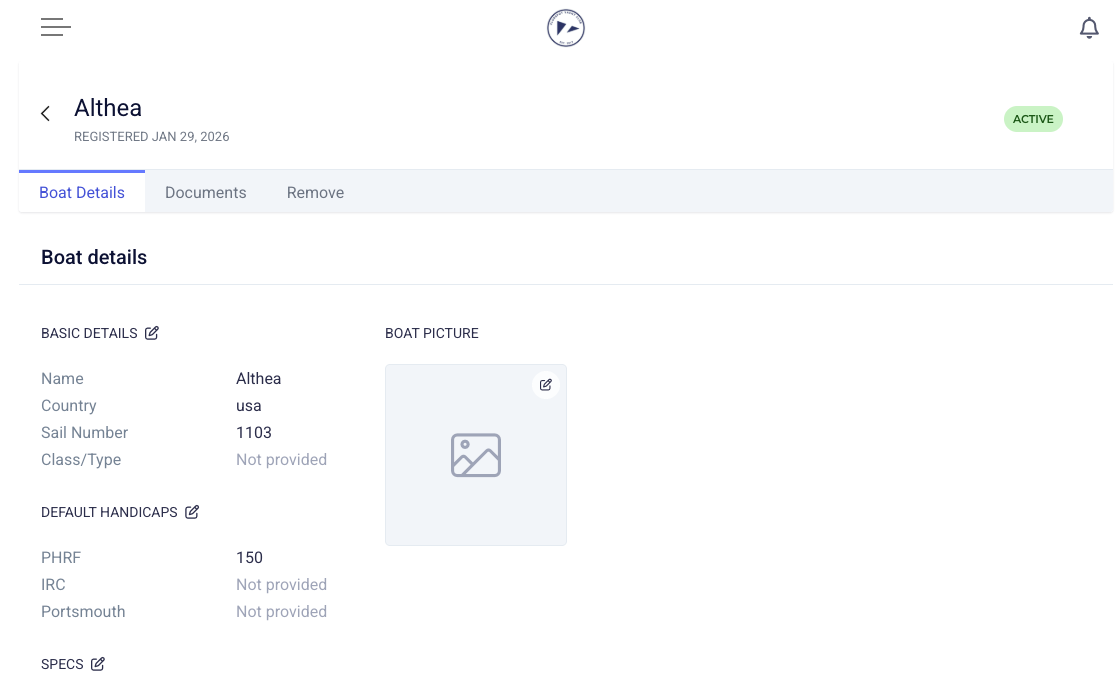
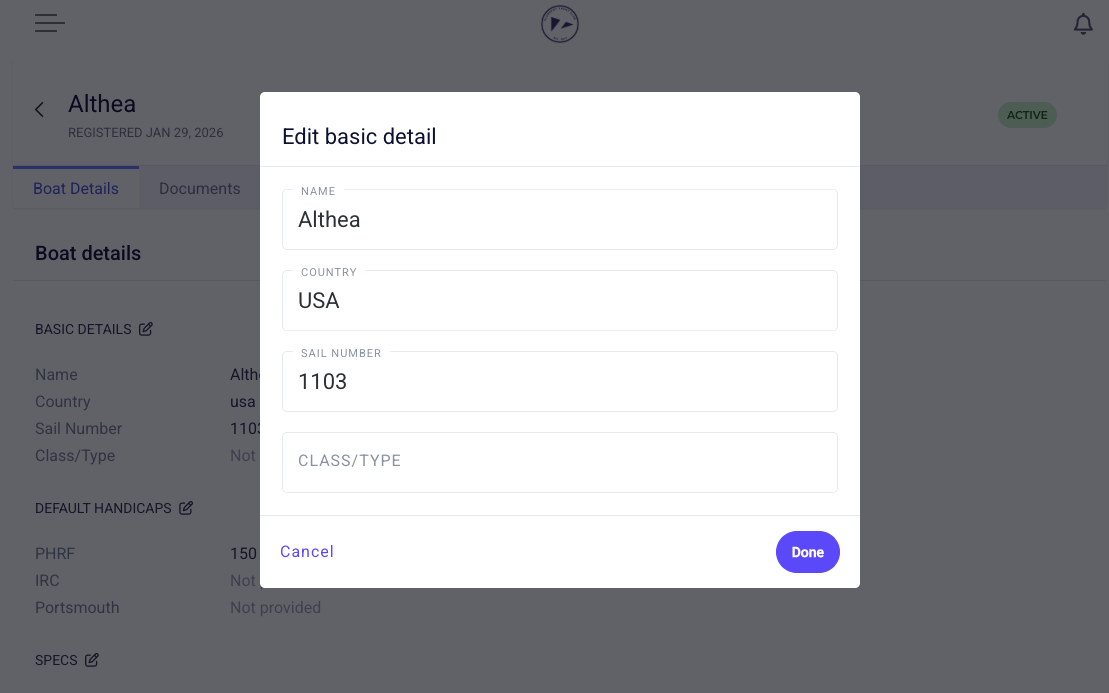
To update existing boat information, click into the boat, and click the pen and paper icon on the section that you wish to update.
Was this article helpful?
Sorry about that! Care to tell us more?