Staff Service Booking and Billing
Guide to handling bookings through both admin and member workflows.
Book a Staff Service
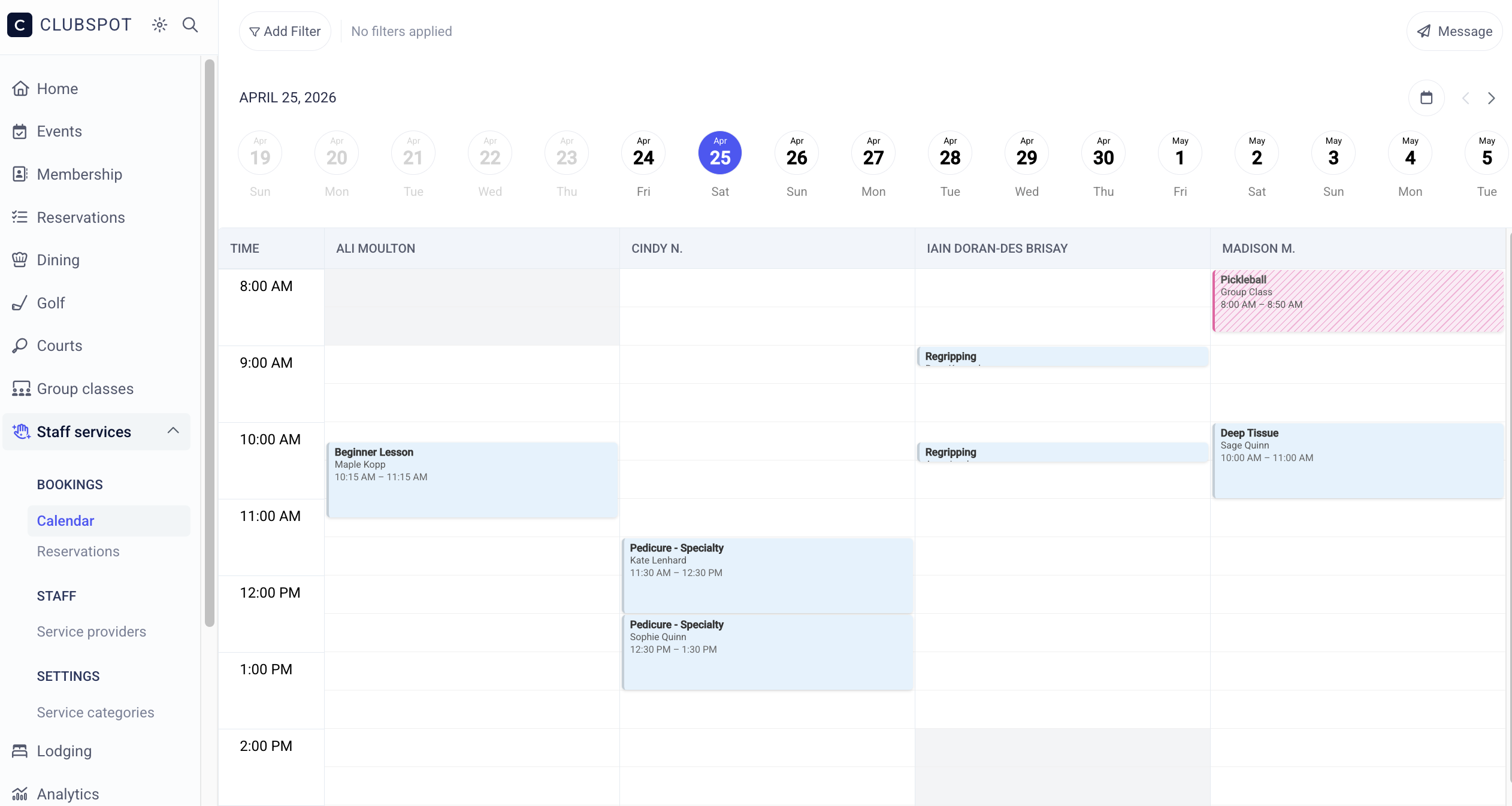
Both the admin and member-facing reservation flows allow for the reservation of a service. As an admin, you can create a booking manually via the calendar page within the staff services section of the dashboard. Click into an empty time slot and indicate the participant, time, and service for their reservation.
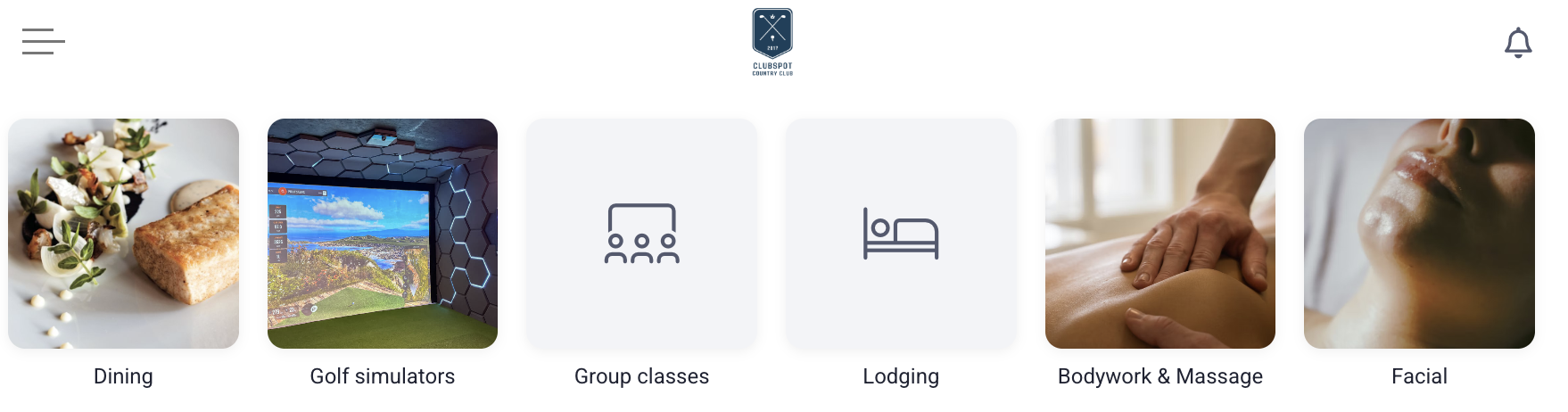
The members will be able to book staff services from within their member portal. The ‘Book Now’ tab will direct them to all of your bookable services. An admin can customize this page from the member portal section of the website design tool.
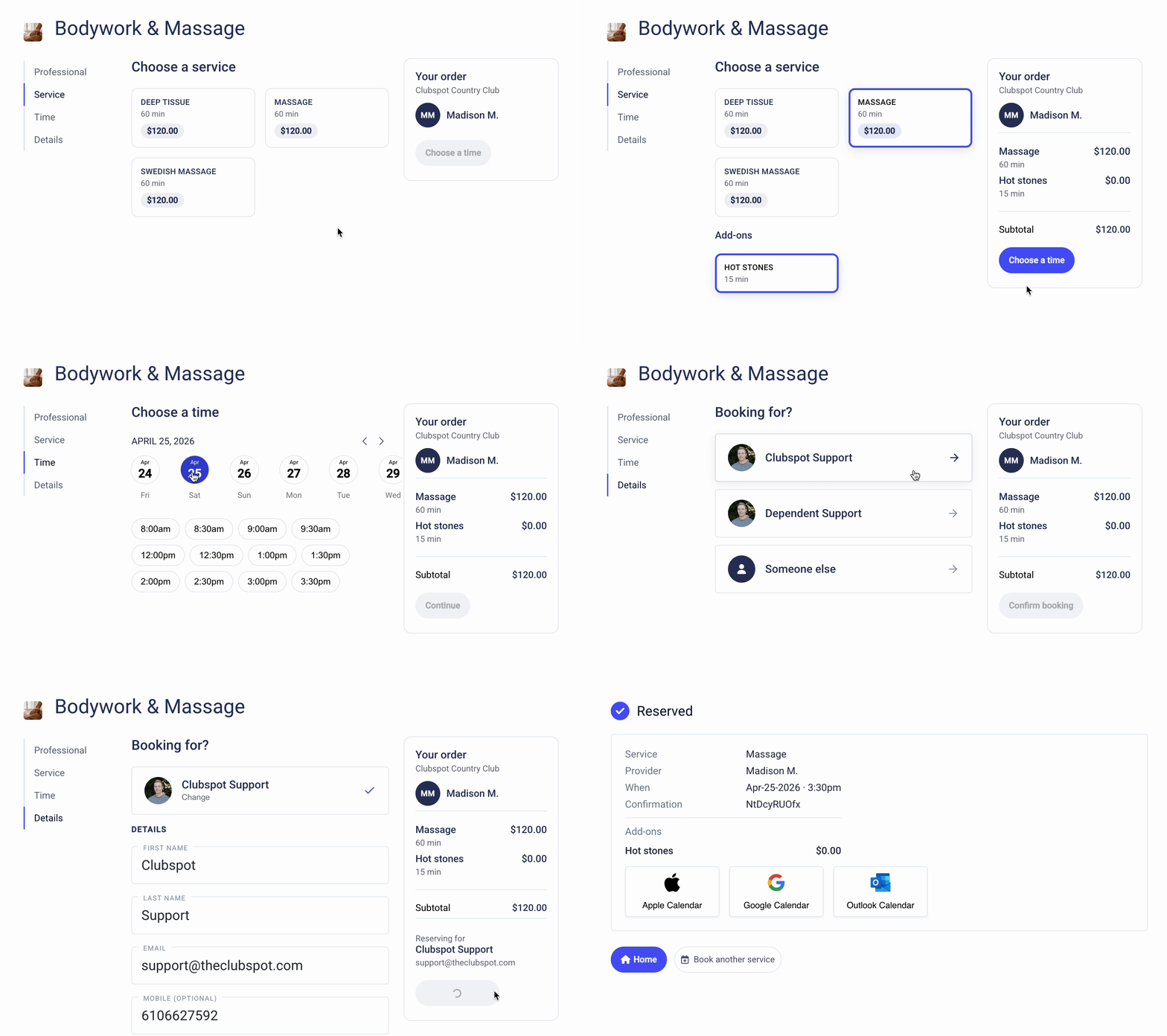
Once in the booking flow, members will be able to select their preferred provider, service, add-ons, and time to check out:
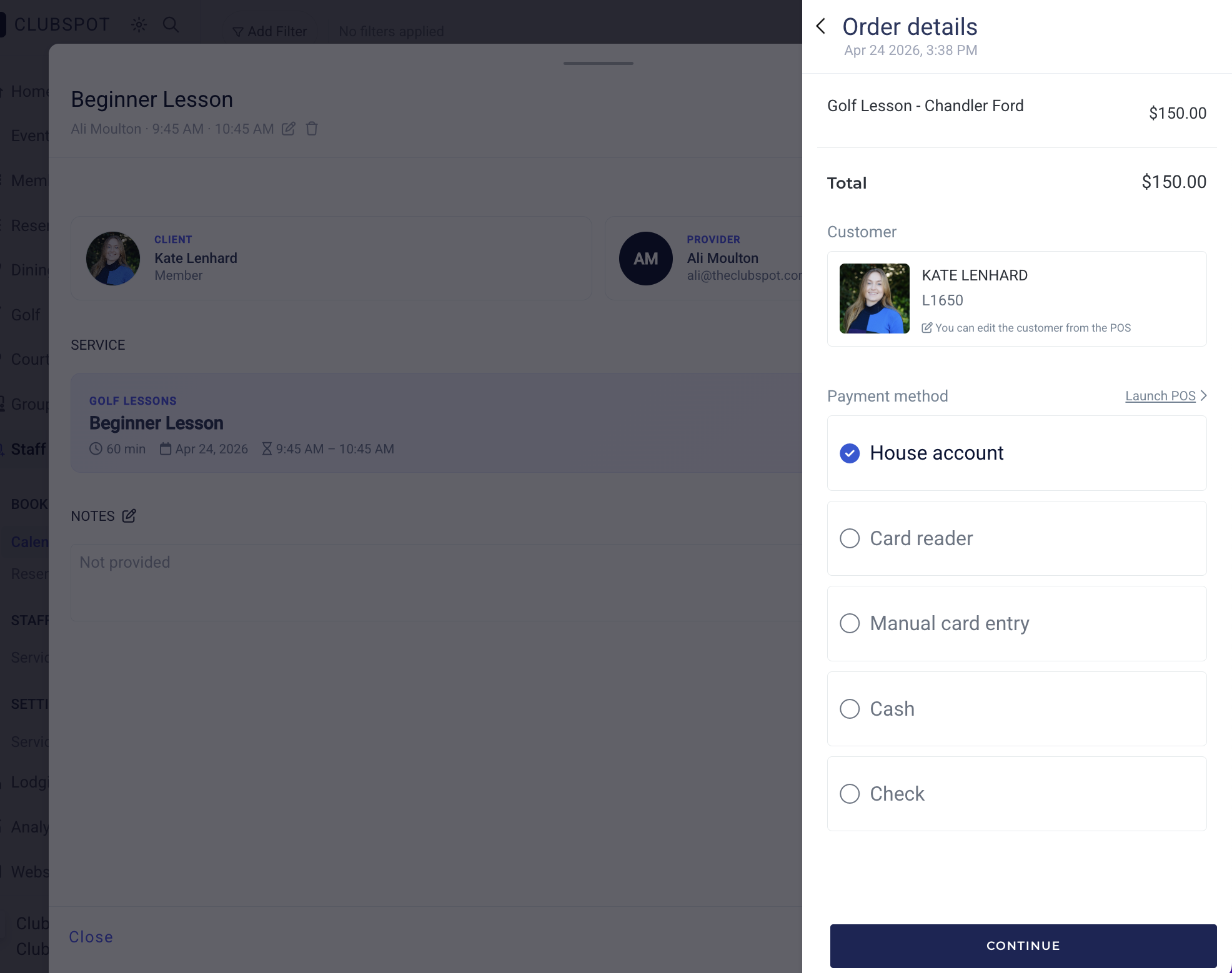
Charge for Services
There are two places where you can charge a member for a reservation that they made online.
Service booking tab on each provider profile. Clicking on any reservation, then ‘confirm’, will launch the checkout sidebar so that you can choose an appropriate payment method and close the order
You’ll have the same capabilities from the service booking calendar.