Online Reservation Booking
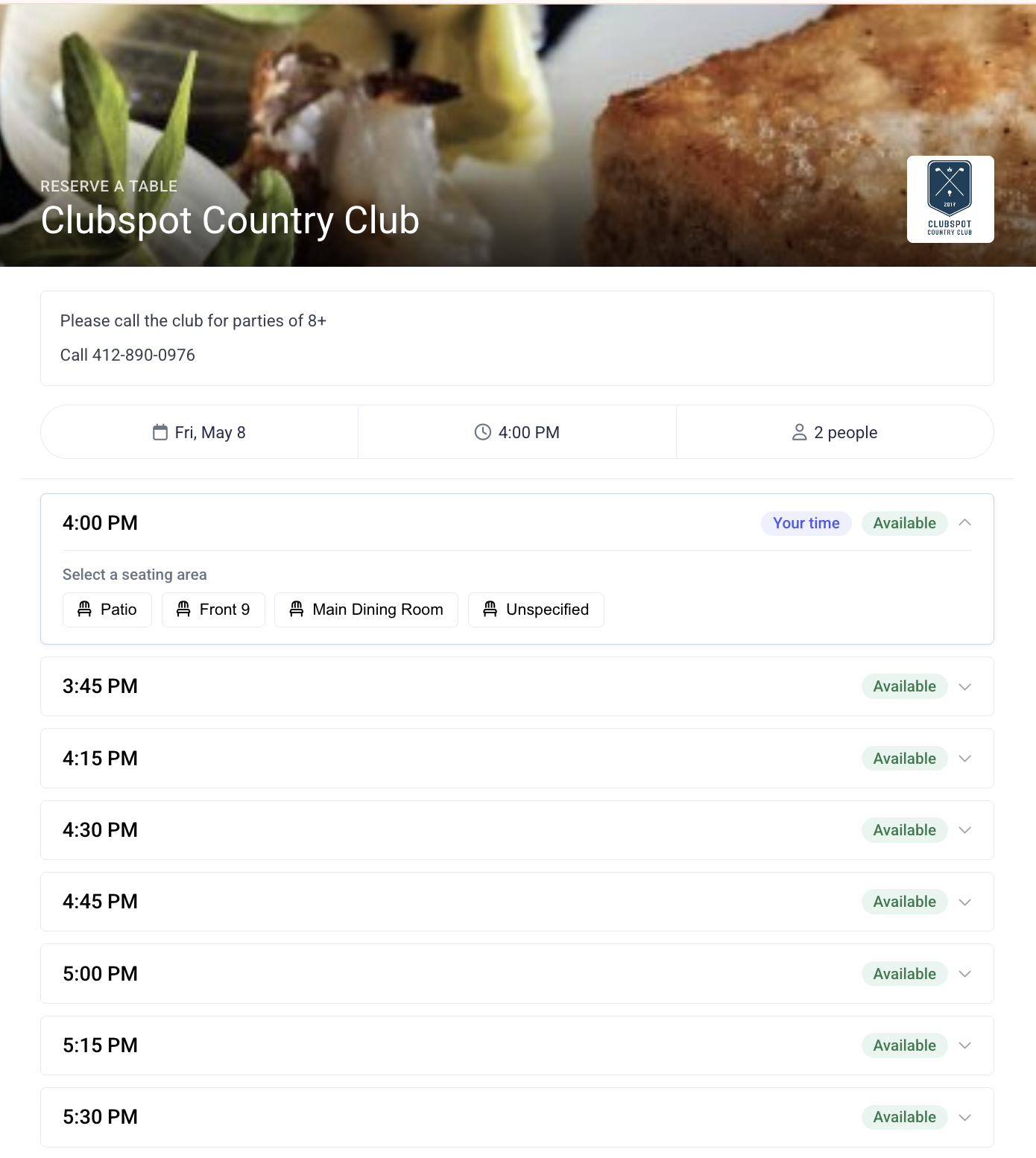
This guide walks through how to build and customize the dining reservation page URL that your members will use to book dining reservations online.
Online Access
Most clubs like to link to the reservation form from their Clubspot-powered website or app. You can find your unique RSVP link by clicking the link icon next to the Reservations header (under Dining > Reservations). This will copy the link to your clipboard so you can paste it anywhere you like.
If you'd like this URL to be inaccessible to guests, please reach out to support@theclubspot.com to enable members-only visibility.
Booking Page Customizations
The hero image at the top of your booking page can be set by the Clubspot team. Please reach out if you'd like us to update this image on your behalf.
The note at the top of your booking page can be set directly from your admin dashboard. Head to Dining > reservations, and you'll find the option to display a dining note. This messaging is used for a standing message, such as "call the club to book parties of 8 or more." You can also configure a daily dining note that shares temporary messaging specifically for that date, such as "Reservations today will be taken through our Mother's Day Bunch event, sign up here..."
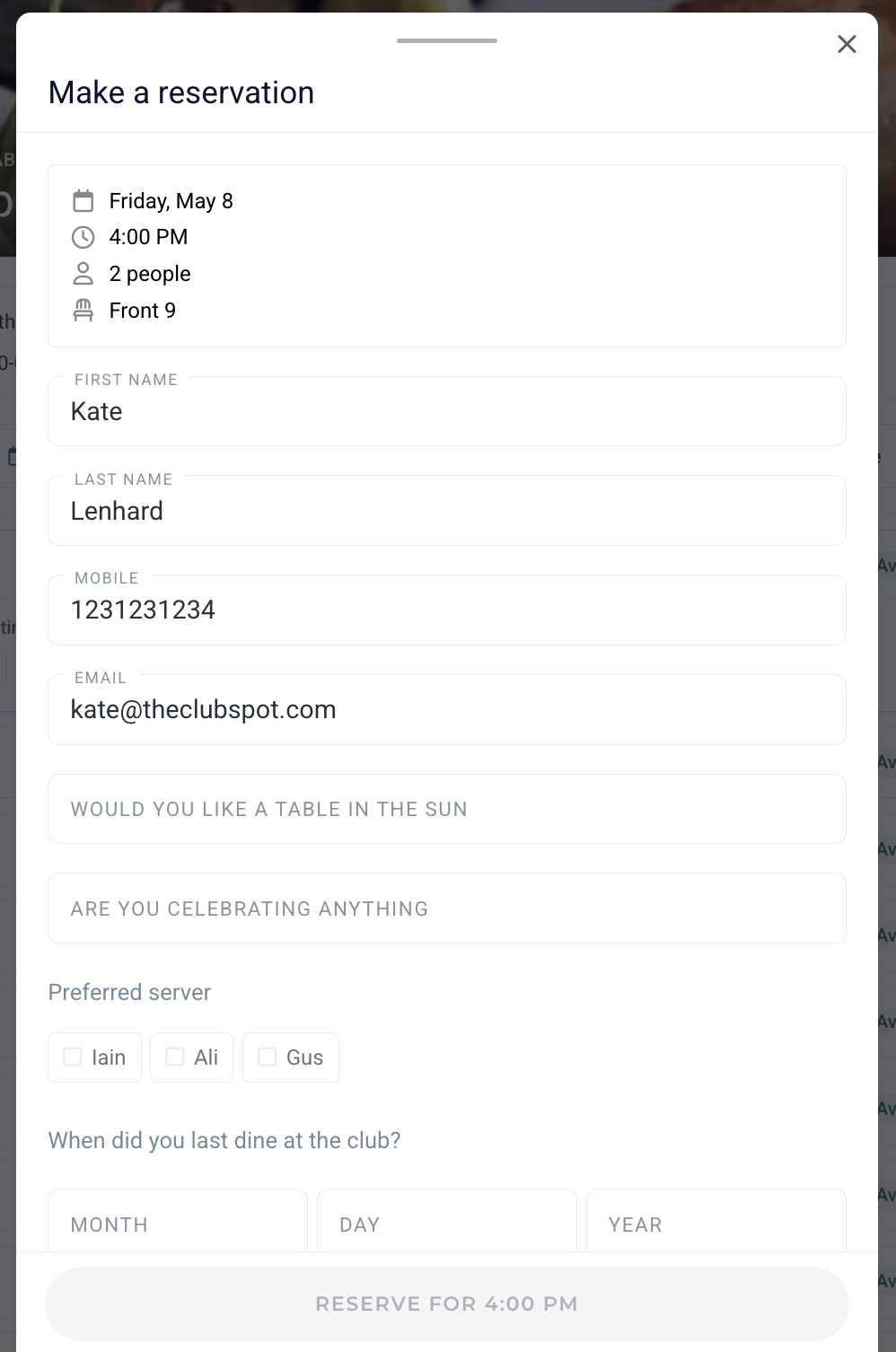
Data Collection Questions
Much like data collection questions in the context of an event, you can prompt your customers to answer questions when booking a dining reservation. Enable these questions under Dining > Data collection.