
Membership Add-Ons
In addition to any membership dues, Clubspot allows administrators to create additional subscription “add-ons”. Membership add-ons are automated charges in the form of recurring billing or installments that can be automatically applied to a member’s account.
Membership add-ons are managed just like any other product - to create one, simply go to Products and click '+'. When on the product details view, make sure to select Membership add-on as the product type.
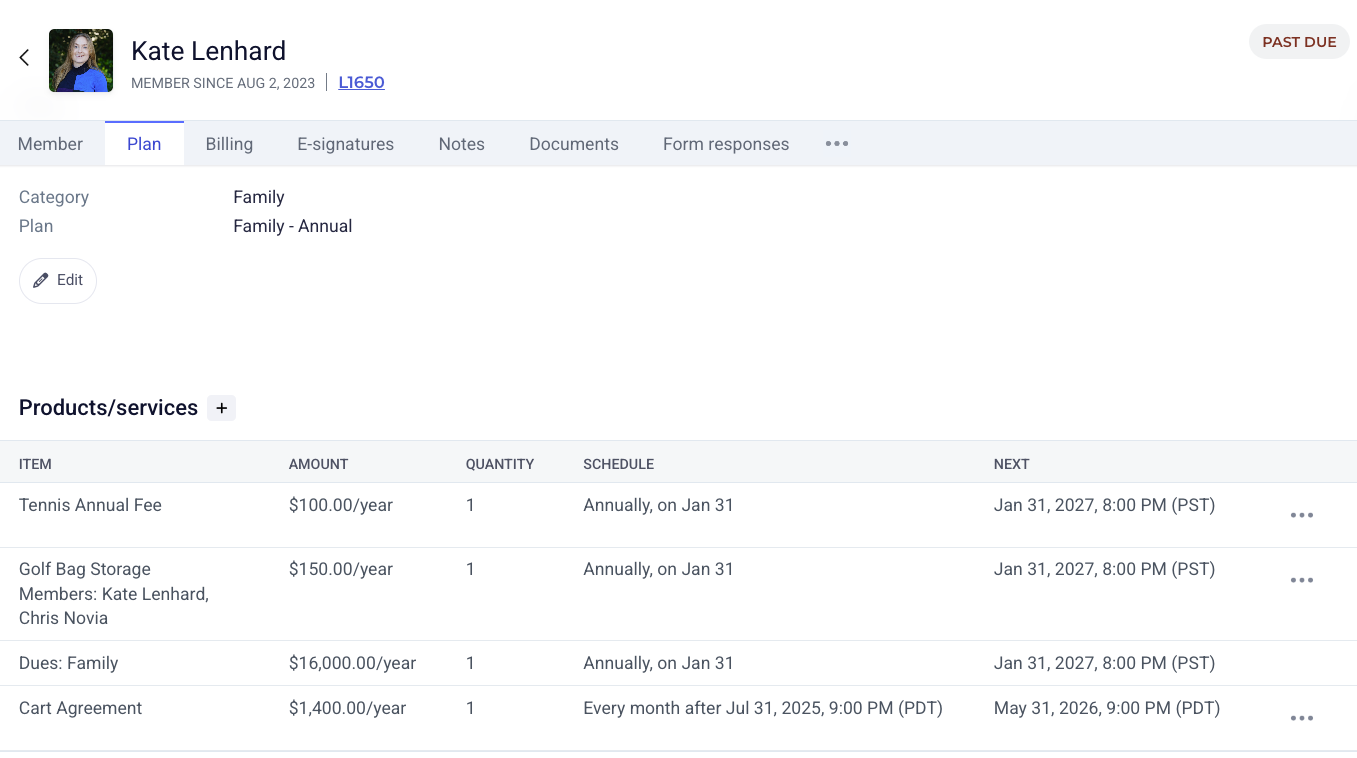
Once the product has been created, it will be available to add as a Product/Service under a membership’s Plan view.
Select '+' and then select both the product and the cadence you’d like to bill on. You can select from an ongoing or temporary schedule. Ongoing will bill this product regularly indefinitely until that add-on is removed. Temporary will act as an installment and will drop off after a certain number of invoices have been issued. You can also pick whether you want to schedule these items for the same cadence as membership dues, or if you’d like to specify a custom schedule.
Membership add-ons can contribute to a membership minimum if necessary. Configure this under Reporting > Minimums > Membership Add-on