
Design a Website
Learn how to use the Clubspot Design Editor to build beautiful, responsive websites for your club members and guests, without writing any code.
Brand new web builder features and fixes are highlighted on our Web Builder Upgrades Page
Launch the Design Editor
Scroll down and click on the Website tab on the left side tool bar. Proceed to click Launch Design Editor and it will redirect you to the design editor.
Manage Access
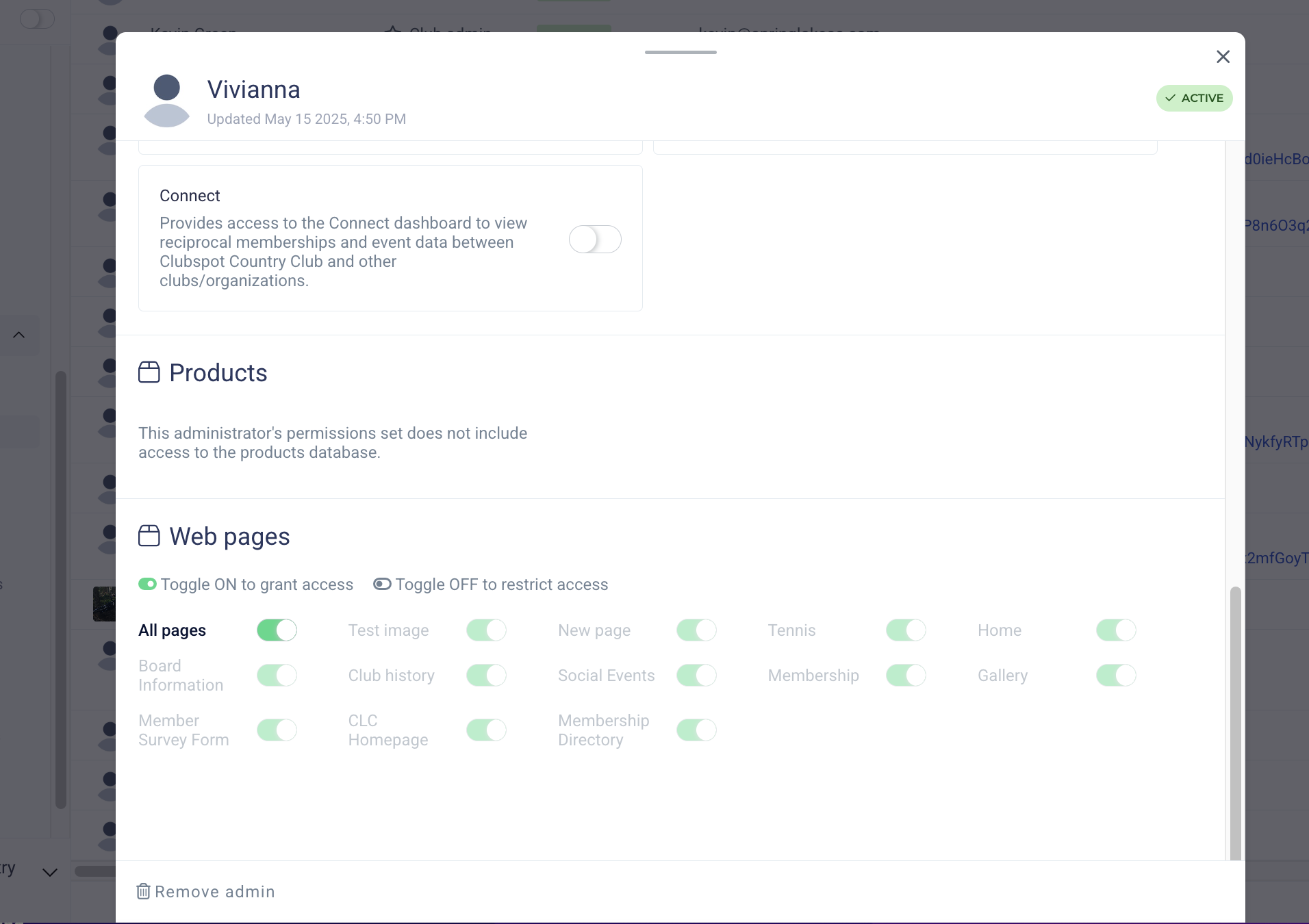
Certain administrators can be granted access to manage select pages on the web builder. This is commonly used to grant a user a very narrow scope of access, such as a Race Committee member access to the Regattas page, or a Golf Pro the ability to edit the Golf page without editing any other content on the website.
These limitations can be set under the Administrator Section:
Manage Pages
To manage and edit your different pages available to members, click on the Home tab at the very top of your screen and the down arrow. This will bring up all of your page options and you can proceed to edit and update any of them. Clubspot now supports an audit trail that tracks whenever a publish is performed, by whom, and for which page. We also store snapshots of old web builder versions in a more accessible way, in case clubs want to revert to a previous state of one of their pages.
Don’t forget to turn the page to public or members only when you’re ready for visitors to view it. Click here to learn more about visibility settings.