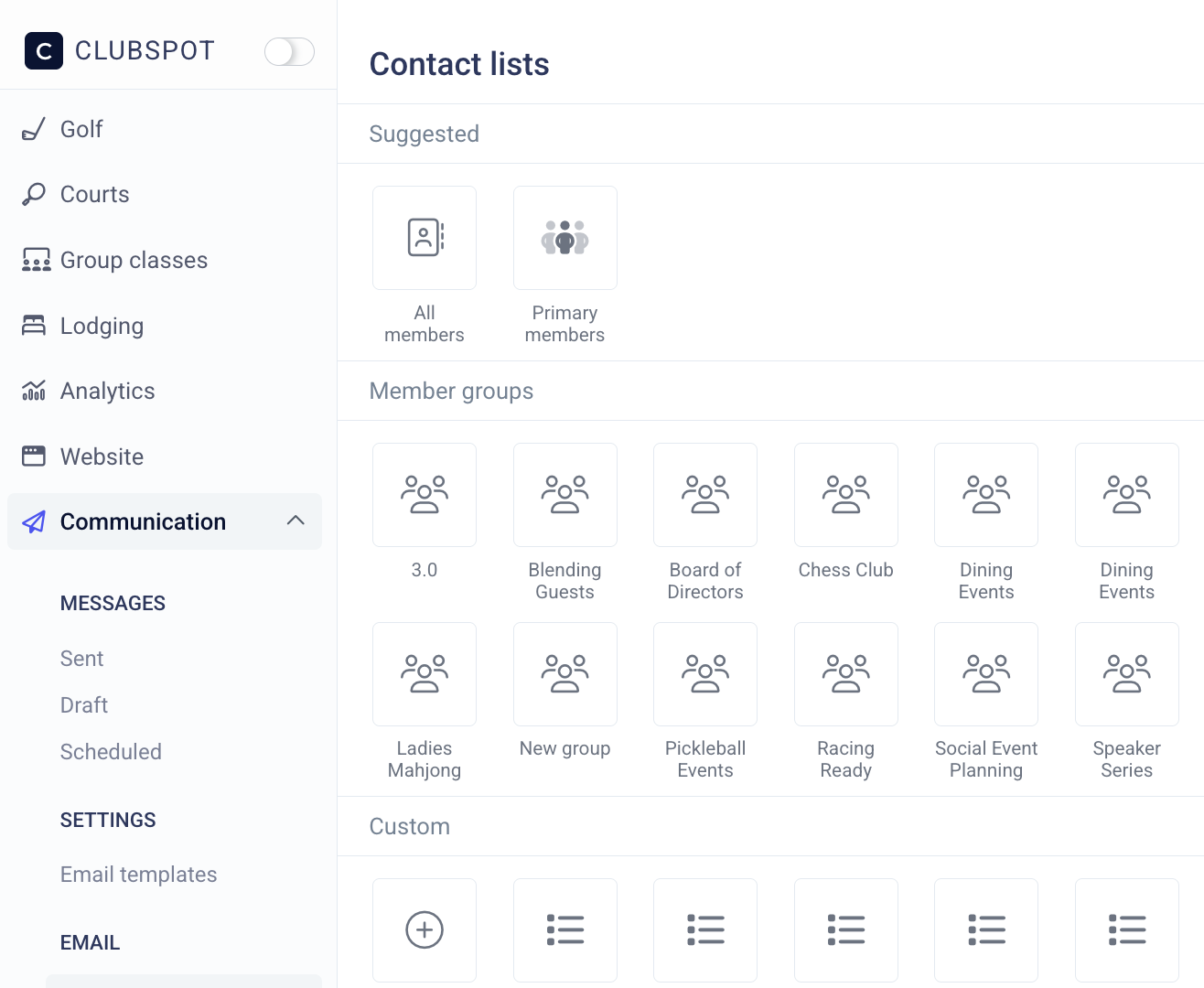
Custom Member Groups
To create a new grouping, navigate to Membership > Member Groups > ”+ New Group”. By default, administrators will need to assign members to a group*,* but you have the option to allow members to opt themselves into this group.
If you create a group the Allows member Opt-in, members can make that choice from the member portal under communication. If you do not have any groups that members can opt into, the communication tab in the member portal will not be available to them.
Member Opt-In
Communicate with Members
To send a message to the members associated with a specific group, navigate to the Communication > Contact list dashboard.
Alternatively, you can navigate to the Members tab and utilize the filter option to select the appropriate groups of members. Then choose the message button and pick the message format you'd like to send.