
Accepting an Application
Once an applicant has been reviewed and approved, it is time to convert them from an applicant to a member.
This is only applicable for the open application membership flow. Open Application is when Membership is closed to the public, but anyone can apply to become a member via the online application form. See the membership application article for more details.
Applicant Approved
Once an applicant is approved, an admin can convert them to a member.
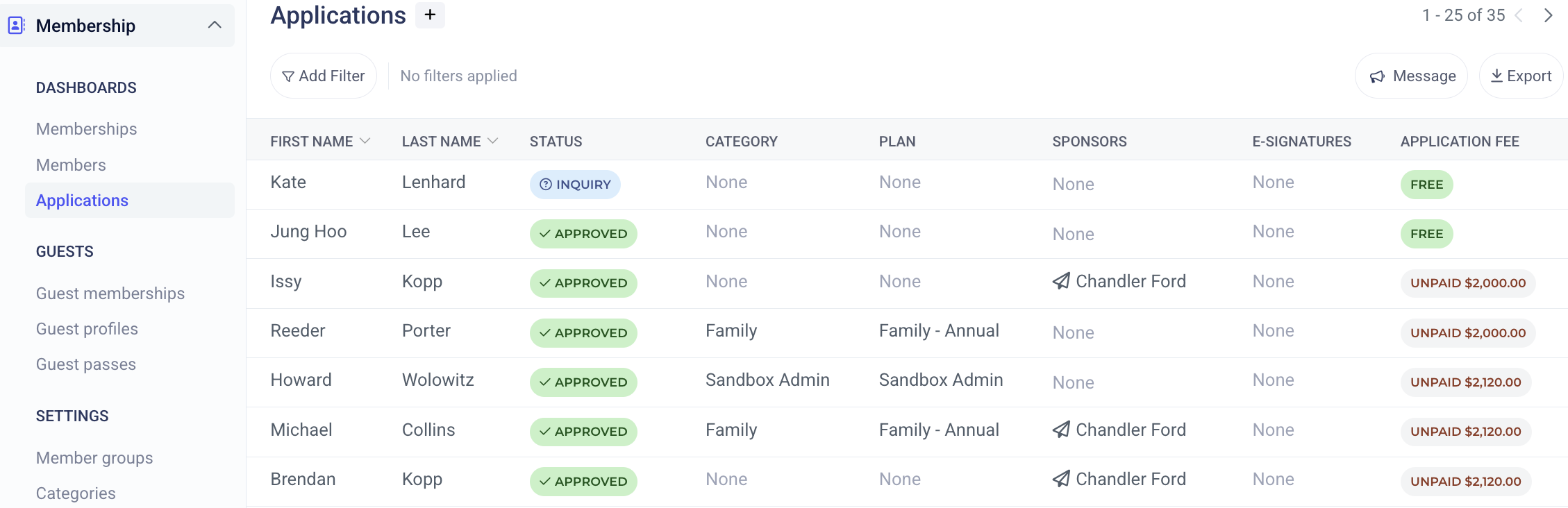
Click on the approved member and go to the status tab. When approved, there will be a button on the right-hand side [CONVERT TO MEMBERSHIP]. The Administrator will then confirm all membership details (member information, member category, member number, etc.) for the member to finalize their membership.
Viewing Member Application
Once converted to a Member, the new member will appear at the top of the Memberships dashboard. To view the new membership application, click on the membership and then click the three dots to view the original membership application.