
Membership Inquiry Form
The membership inquiry form is used to capture initial interest from a prospective member, before sharing an online membership application.
Enable the Inquiry Form
To use the Membership Inquiry form, go to Membership > Settings and ensure the Application Type is set to “Open Inquiry.”

Membership is closed to the public, but anyone can inquire about becoming a member via the online inquiry form (example form HERE). You can track and manage inquiries and applications from the Membership > Application dashboard.
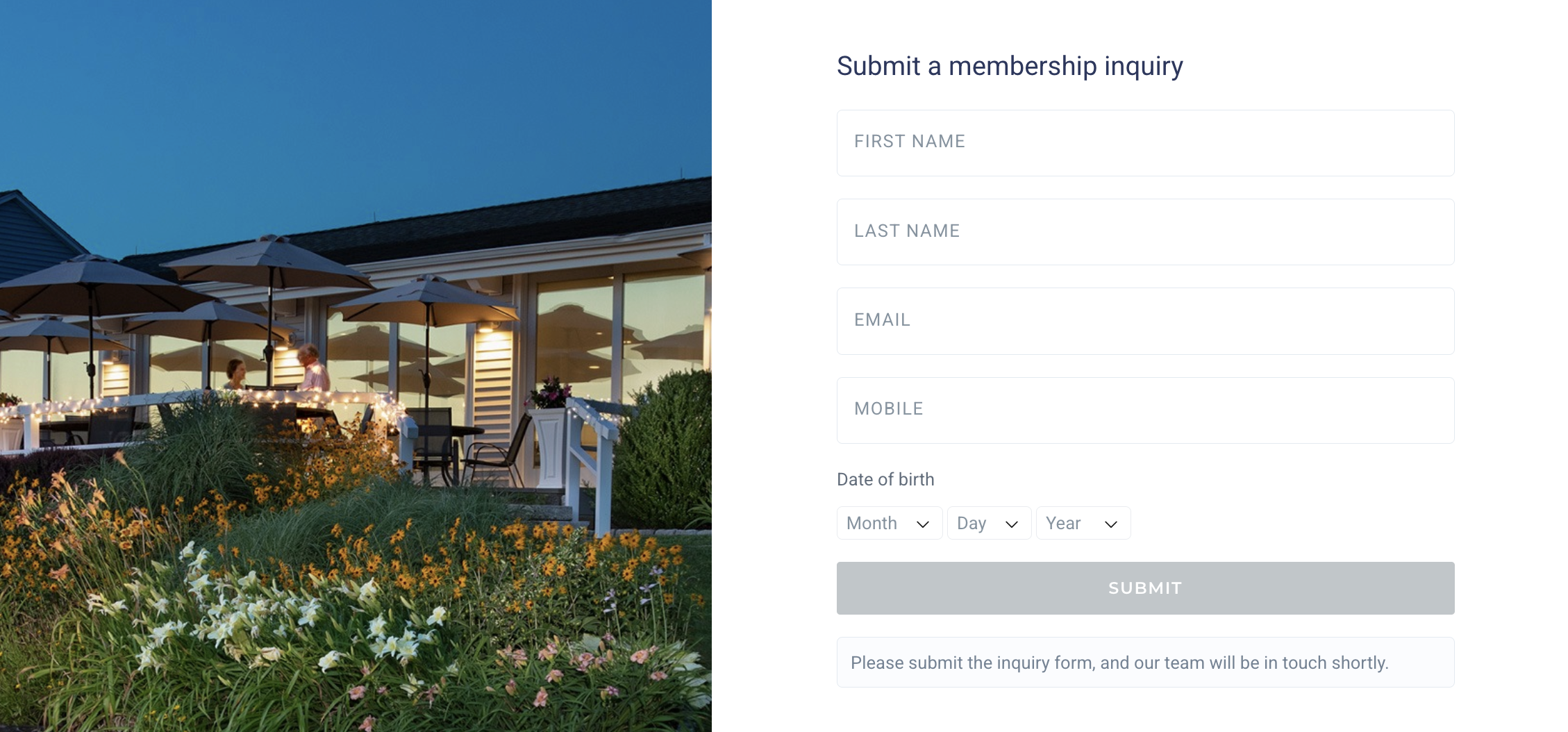
You can link this on your website hosted by Clubspot by copying the link ending in /membership-inquiry.
Inquiry Management
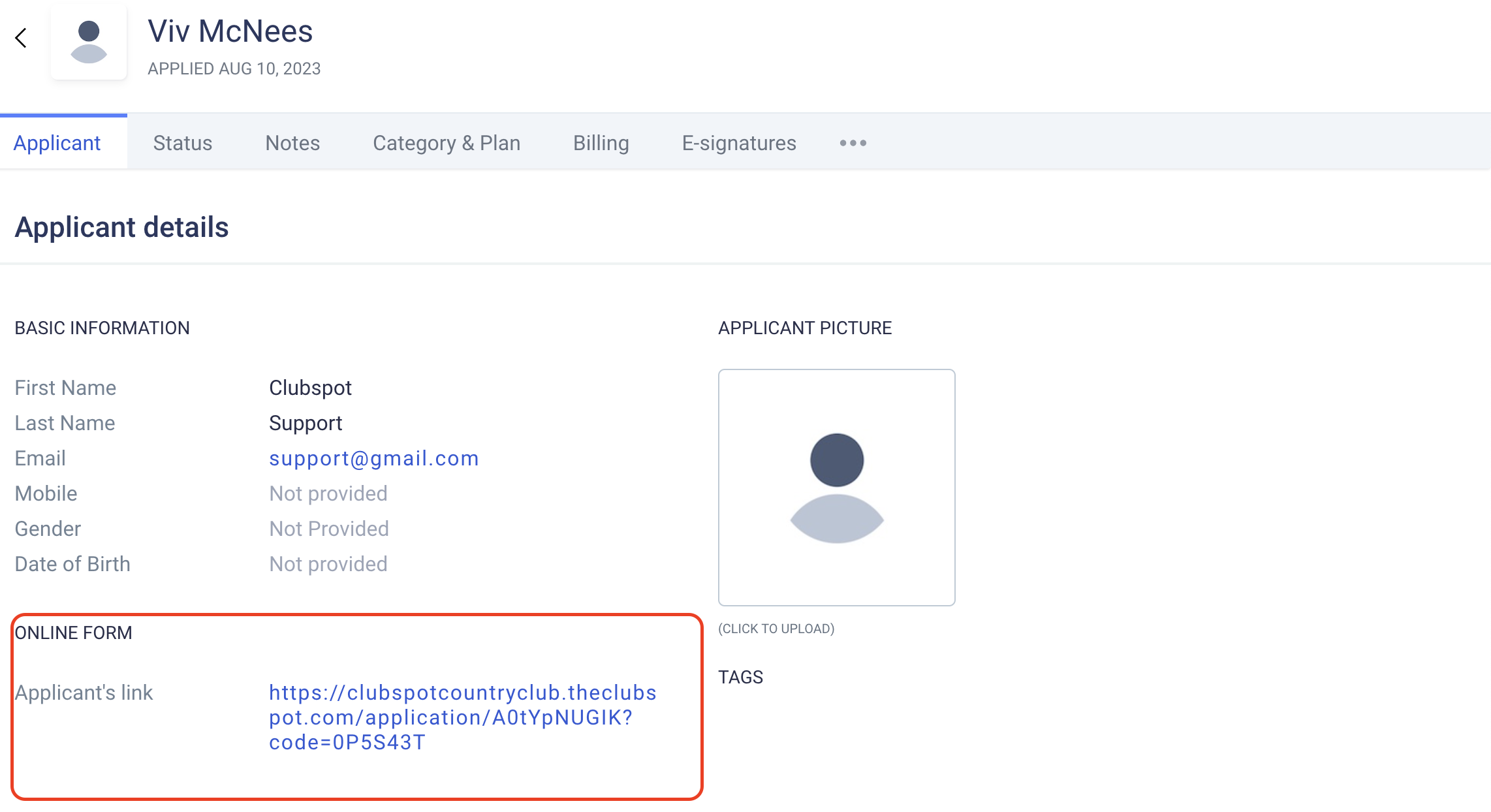
Once an Inquiry is submitted, you can then manage it in Membership > Applications and share the Application link with the prospective applicant via email, outside of CS. To do so you can click the three dots in the upper right-hand side of the toolbar and click "send online form to applicant," or you can copy their personalized applicant link and paste it into any direct correspondence.
We recommend that you create an alert so you're aware when a new inquiry is submitted. You can configure this under Account > Notifications > +notification > for your email in response to a membership inquiry.