
Charge a Card on File
Edited
If a membership has a payment method on file, you are able to charge this method as an administrator to initiate payments on their account.
Confirm Payment Method
Select the membership that you would like to charge. Go to the Billing tab of the membership and scroll to the bottom of the page. Here, you'll confirm if the member has a payment method on file.
Charge the Card
If the membership has a payment method on file, then you can charge it at any time. To do so, click the blue "pay now" button beneath the current membership balance. Note that the default payment amount is for the current open balance on the account, but this can be edited.
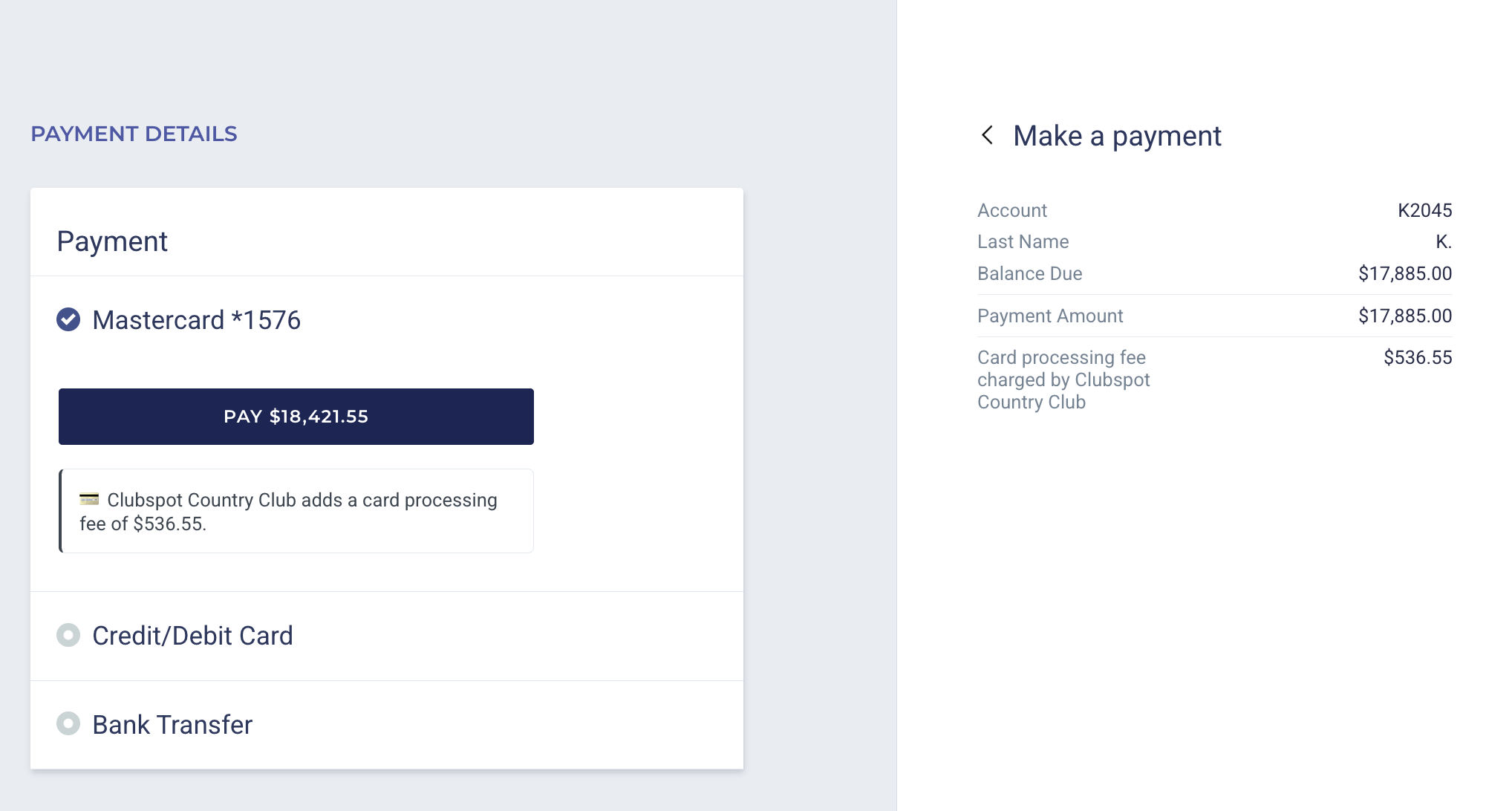
card on file
ACH
payment method on file
payment